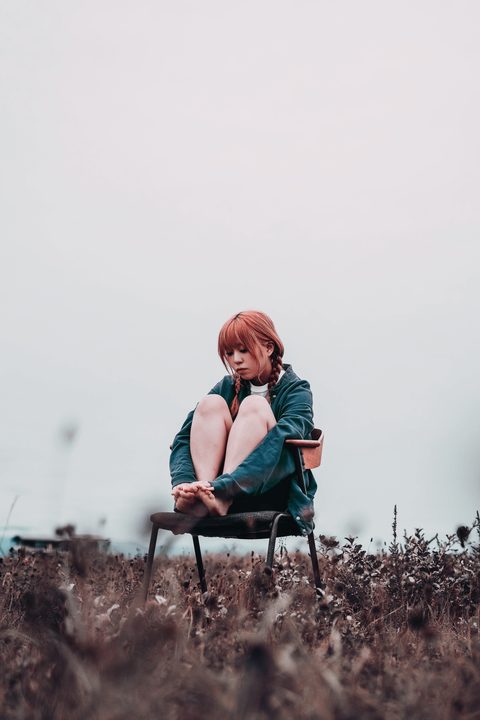
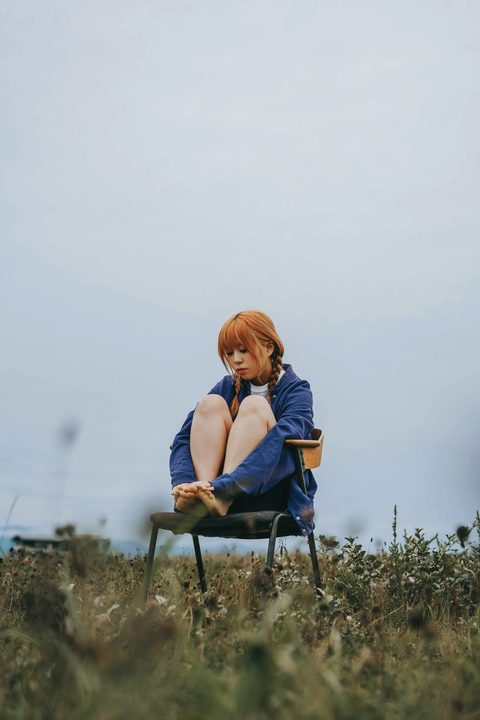
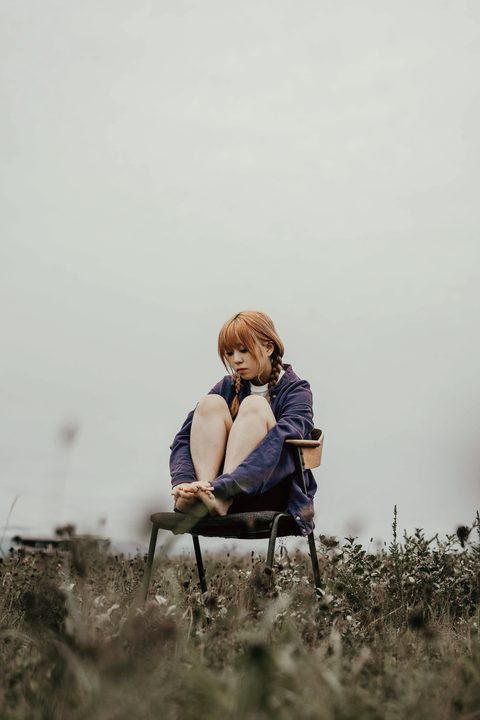
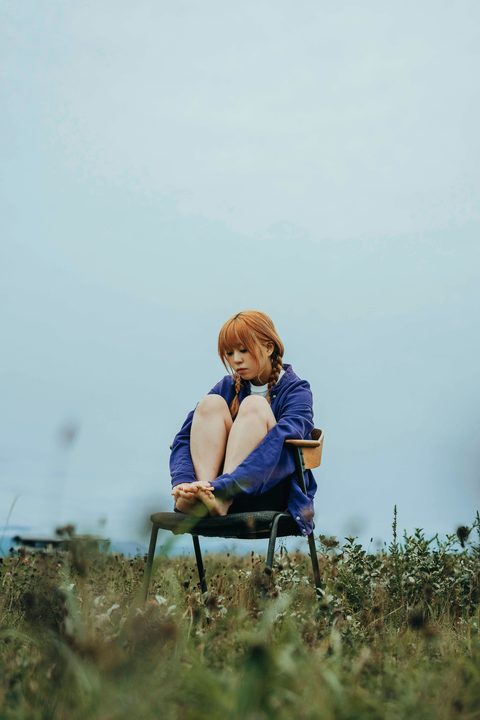
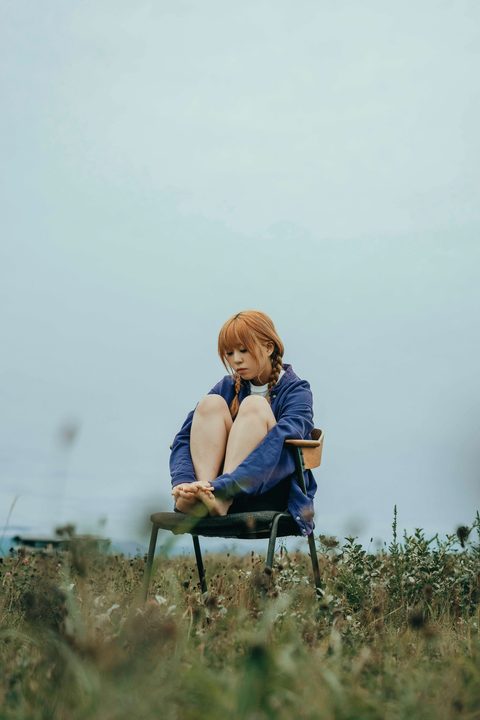
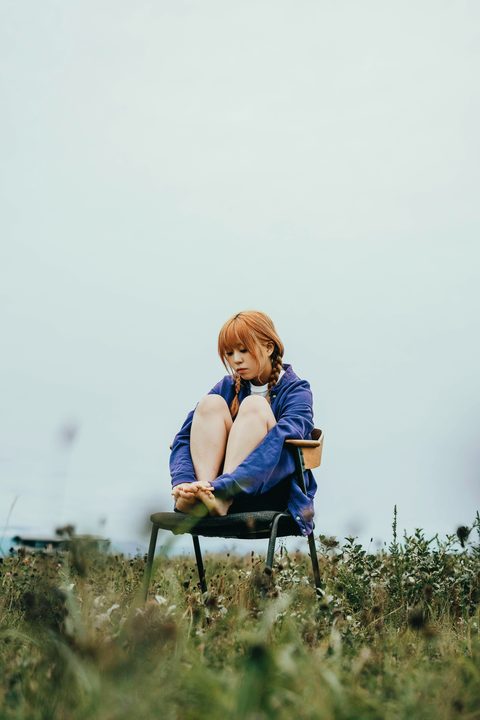
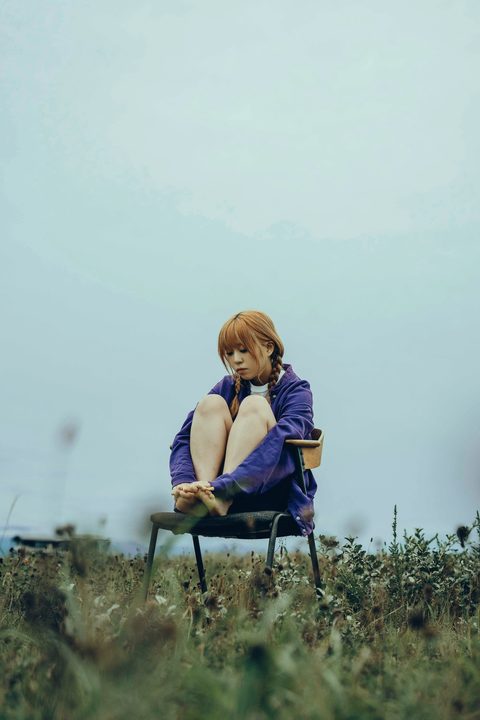
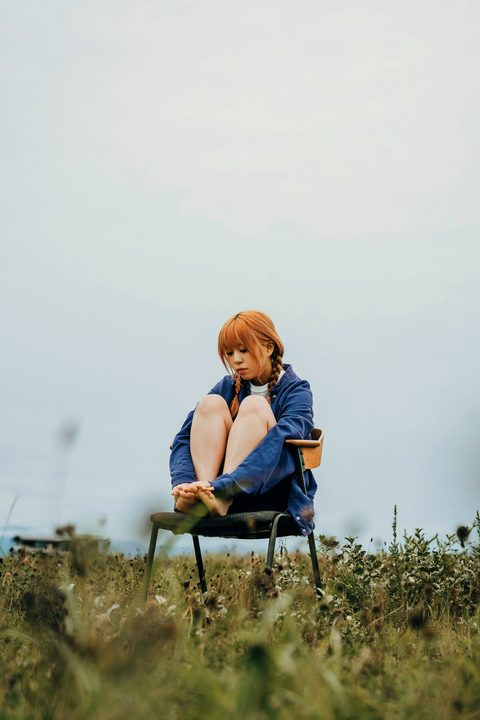
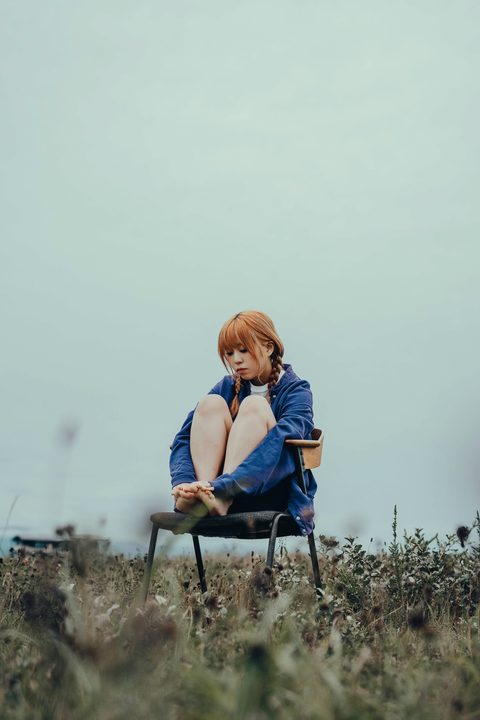
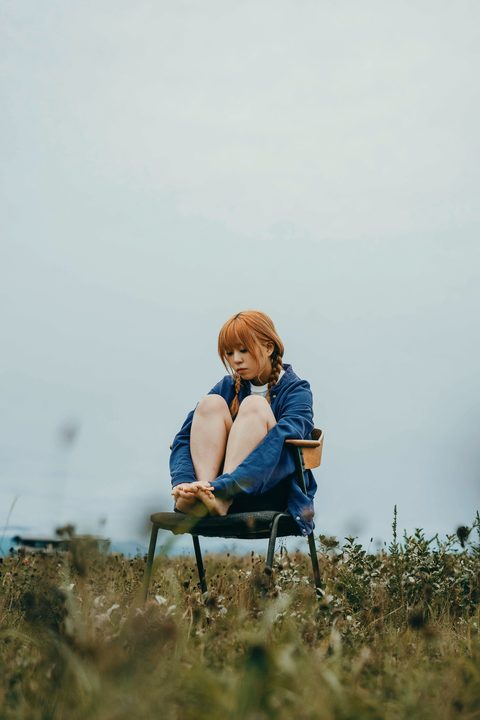
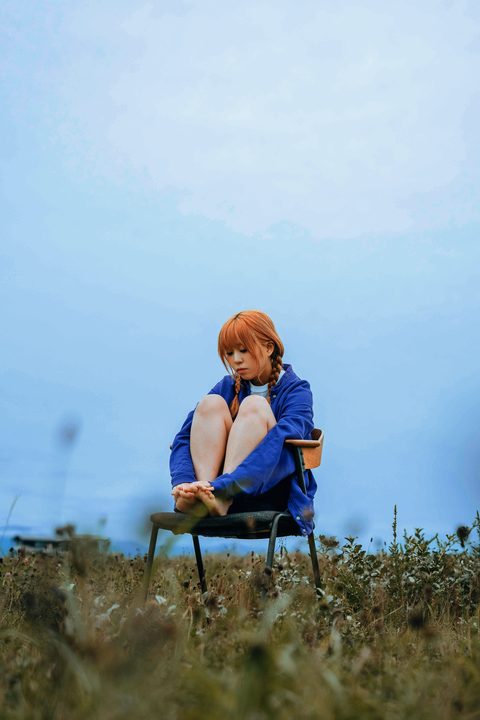
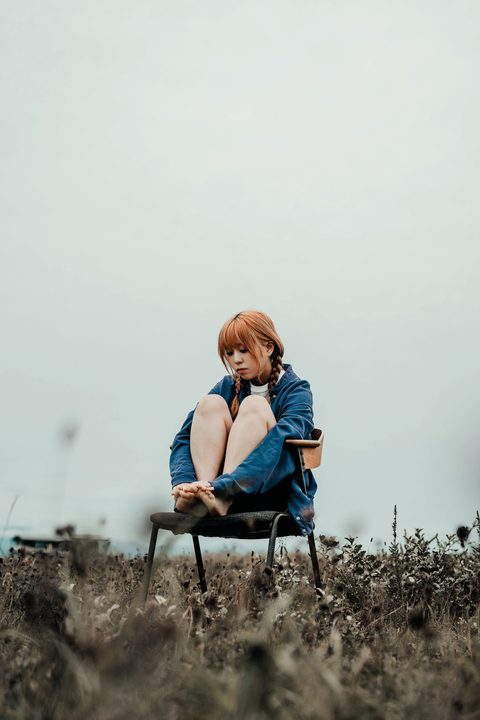
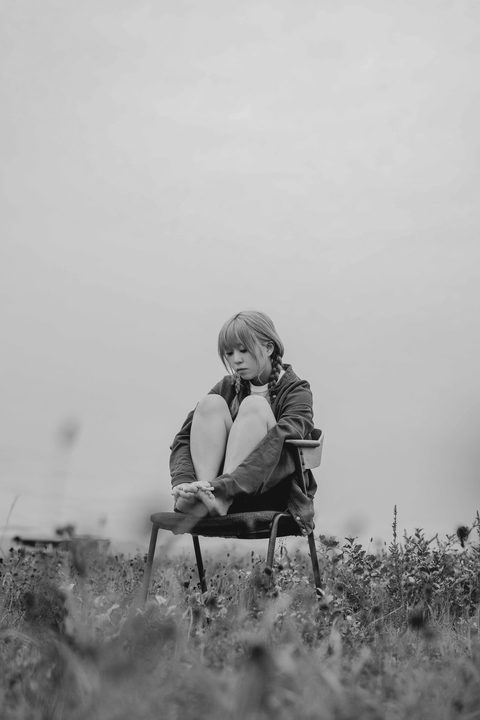
Five clips. Drag the line left and right to compare.
BEFORE
AFTER · ARCOIRIS
S-Log3
01 / 05
Recipe
This color, and how it was mixed.
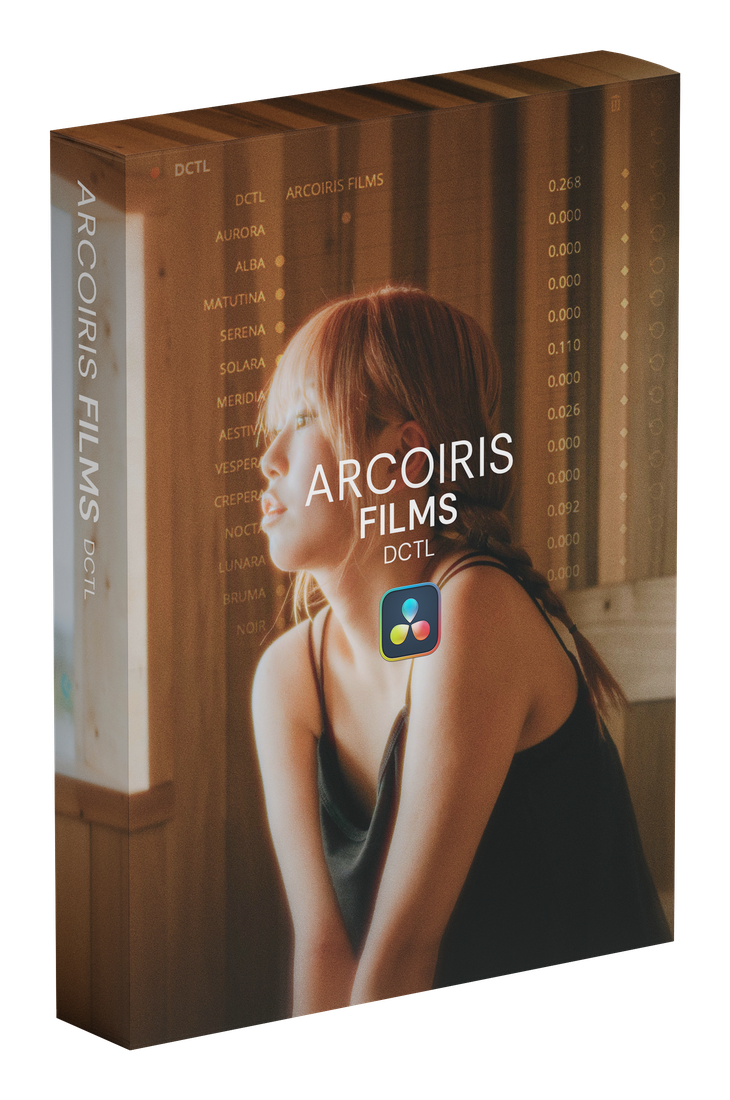
Just move 13 sliders. Colors you are not using stay at 0. Use two, or layer nine of them thinly. Keeping the total at or under 1.000 is what keeps the image from breaking down.
01
S-Log3
Built on SERENA and MERIDIA. Two colors.
AURORA0.000
ALBA0.000
MATUTINA0.000
SERENA0.256
SOLARA0.000
MERIDIA0.070
AESTIVA0.000
VESPERA0.000
CREPERA0.000
NOCTA0.000
LUNARA0.000
BRUMA0.000
NOIR0.000
Total0.326
02
S-Log3
Built on AURORA, SOLARA and AESTIVA. Three colors.
AURORA0.295
ALBA0.000
MATUTINA0.000
SERENA0.000
SOLARA0.202
MERIDIA0.000
AESTIVA0.147
VESPERA0.000
CREPERA0.000
NOCTA0.000
LUNARA0.000
BRUMA0.000
NOIR0.000
Total0.644
03
F-Log2
Built on MERIDIA, VESPERA and AESTIVA. Three colors.
AURORA0.000
ALBA0.000
MATUTINA0.000
SERENA0.000
SOLARA0.000
MERIDIA0.264
AESTIVA0.132
VESPERA0.209
CREPERA0.000
NOCTA0.000
LUNARA0.000
BRUMA0.000
NOIR0.000
Total0.605
04
BRAW
Built on SERENA, LUNARA and BRUMA. Three colors.
AURORA0.000
ALBA0.000
MATUTINA0.000
SERENA0.279
SOLARA0.000
MERIDIA0.000
AESTIVA0.000
VESPERA0.000
CREPERA0.000
NOCTA0.000
LUNARA0.256
BRUMA0.132
NOIR0.000
Total0.667
05
R3D
Built on MERIDIA, ALBA and MATUTINA. Five colors.
AURORA0.000
ALBA0.175
MATUTINA0.109
SERENA0.000
SOLARA0.000
MERIDIA0.284
AESTIVA0.000
VESPERA0.000
CREPERA0.000
NOCTA0.070
LUNARA0.061
BRUMA0.000
NOIR0.000
Total0.699
06
Rec.709
Built on SOLARA and MERIDIA. Two colors.
AURORA0.000
ALBA0.000
MATUTINA0.000
SERENA0.000
SOLARA0.459
MERIDIA0.140
AESTIVA0.000
VESPERA0.000
CREPERA0.000
NOCTA0.000
LUNARA0.000
BRUMA0.000
NOIR0.000
Total0.599
How It Works
The more you blend, the more it becomes yours
1 — Choose
Pick the one of the 13 that feels closest to your image. On its own it is already a finished look.
2 — Blend
Add a second and a third, a little at a time, keeping the total at or under 1.000.
3 — Refine
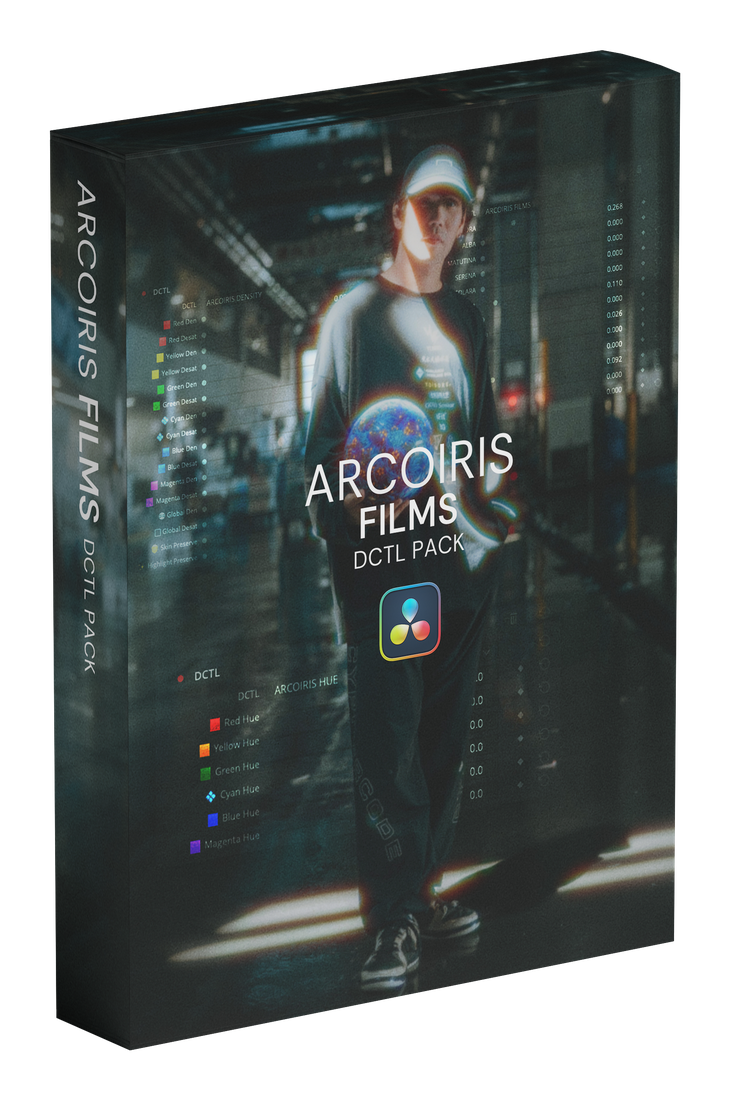
Set density per color with DENSITY, and shift hues with HUE. The direction you set in FILMS stays; you just chase the skin, or the sky, on its own.
4 — Finish
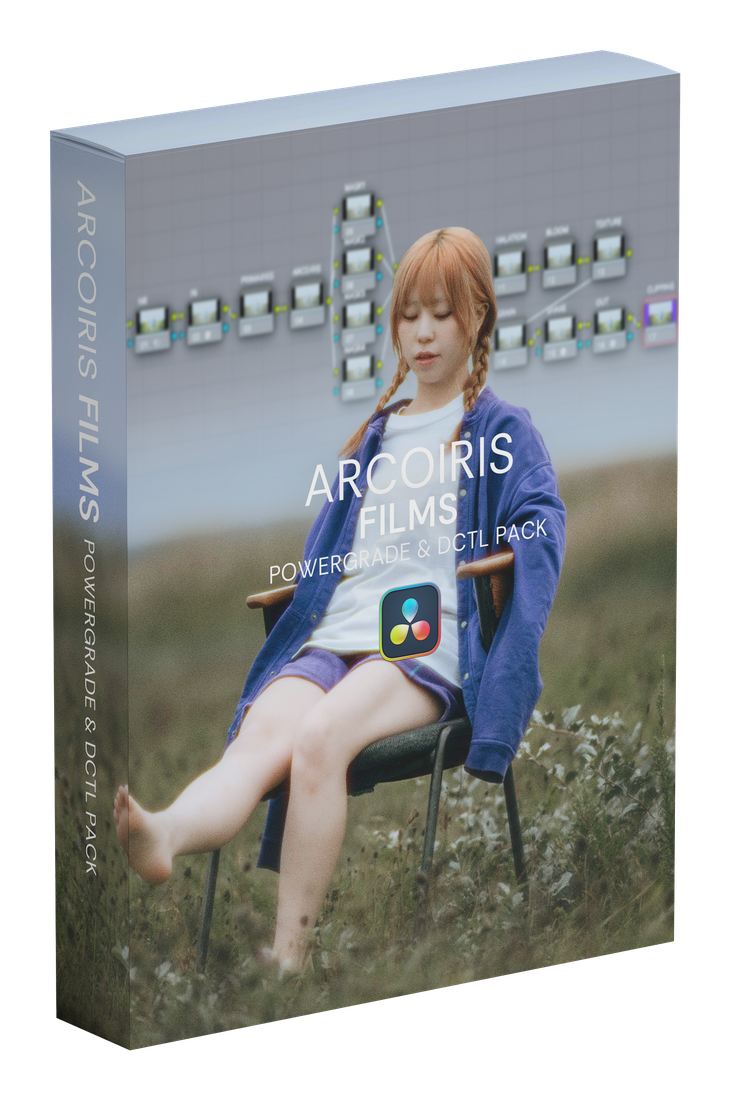
Finish with the PowerGrade masks and check nodes, watching skin tones and clipping as you go.
In Premiere, in Final Cut, the same thirteen colors.
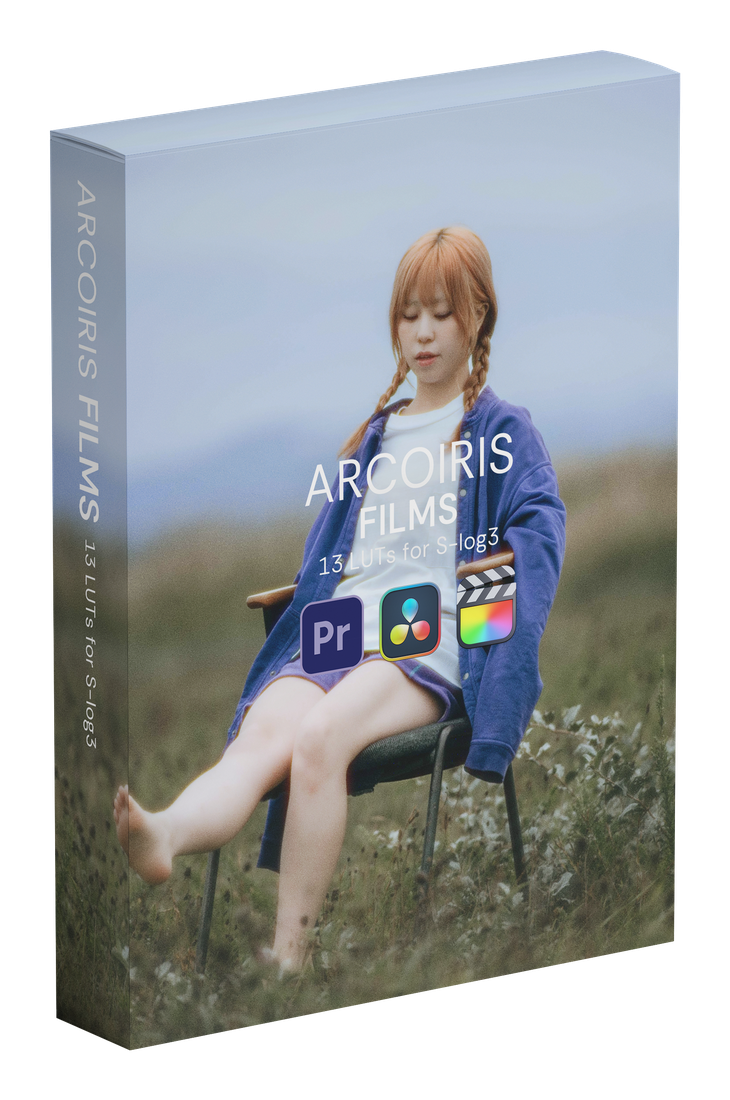
You get .cube files for all 13 stocks, matched to the format you shot. They work in any software that can load a LUT, and DaVinci Resolve runs them even in the free version.
In After Effects, use the files in the bundled 33x33x33 folder. The 65-point LUTs exceed After Effects’ 64-point limit and will not load.
A single LUT is already a finished look. To blend several stocks, stack them on layers or nodes and set how far each one carries with its opacity. In DaVinci Resolve, chain the nodes and combine them in the layer mixer; in Premiere Pro or Final Cut Pro, stack adjustment layers.
 COLORS