
Buy now$149
Scroll to explore
DCTLs

DCTLs that build the color.
DCTLs that refine it.

ARCOIRIS is a color grading system for DaVinci Resolve. It is built from FILMS, which creates the look, DENSITY and HUE, which refine that color, and a PowerGrade assembled all the way through to finishing.
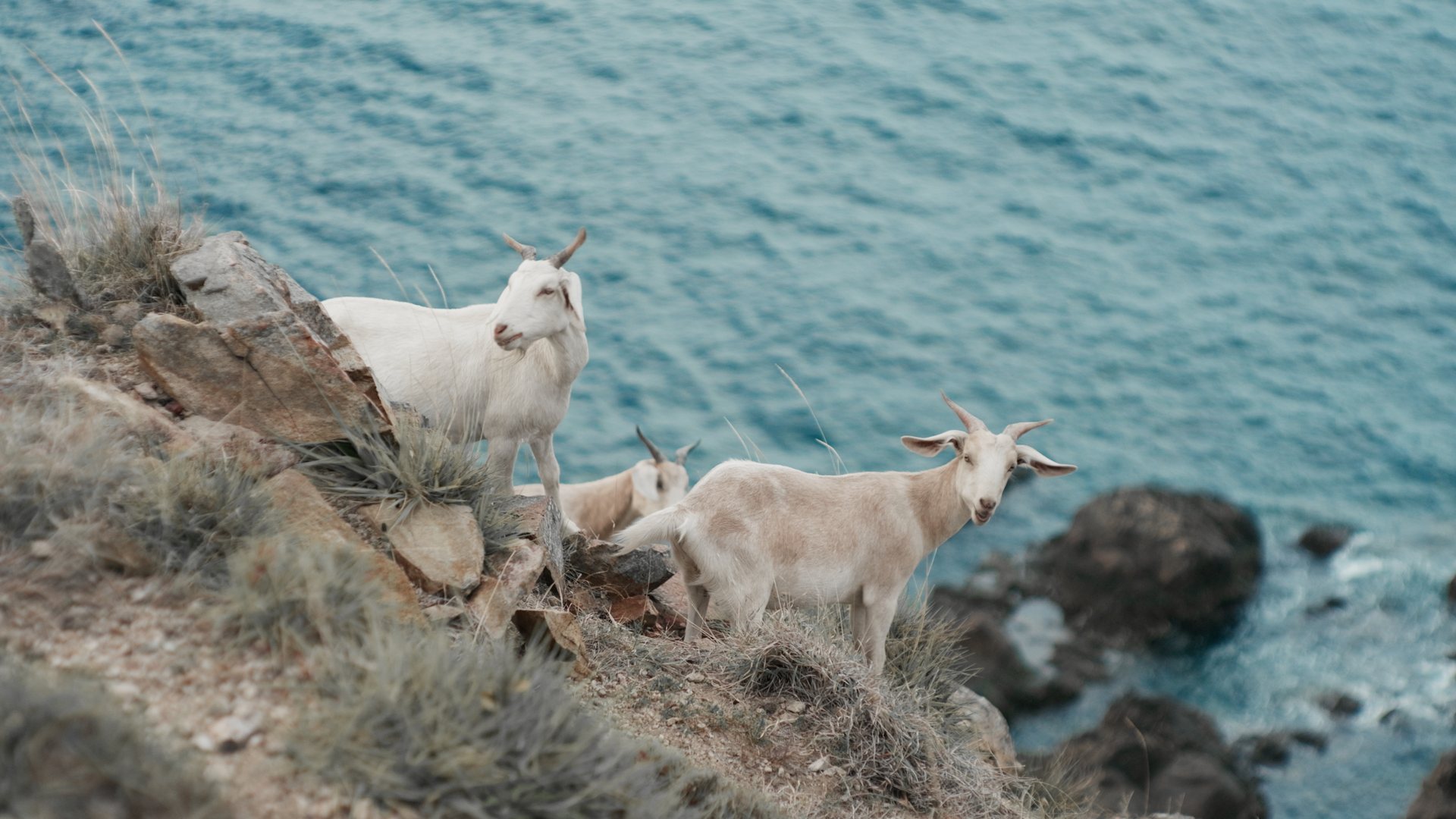
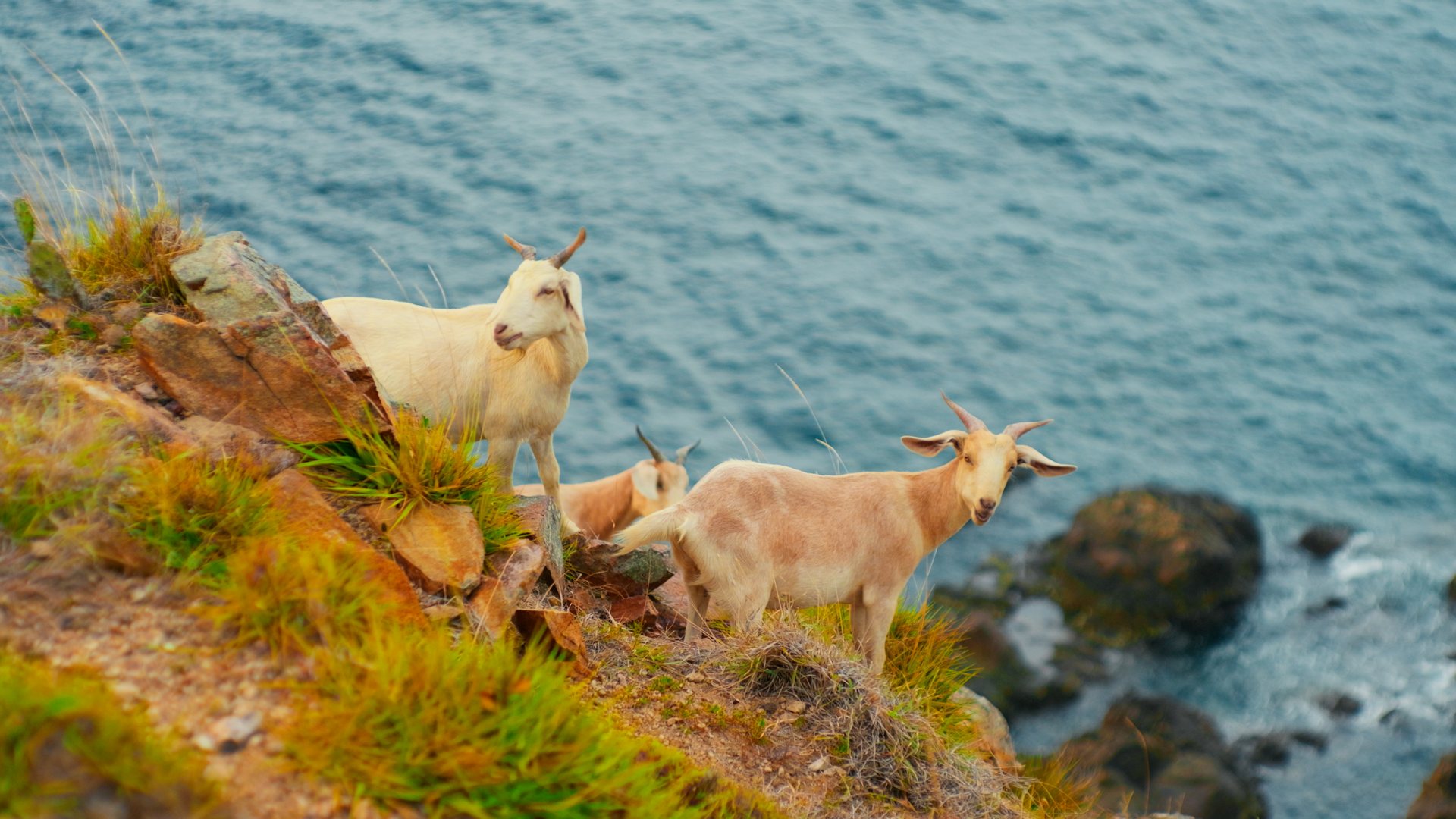
Before FILMS. Move the slider to bring in the film color.
FILMS · LIVE
01 · ARCOIRIS FILMS
Raise it, and the color comes in.
Blend 13 film colors into a single look of your own. At 0.000 a slider leaves the footage untouched; raise it and that color comes in by exactly that much. Use two, or layer nine of them thinly. Keeping the total within 1.000 is what keeps the image from breaking down.
Explore COLORS
FILMS0%
← UntouchedFull look →
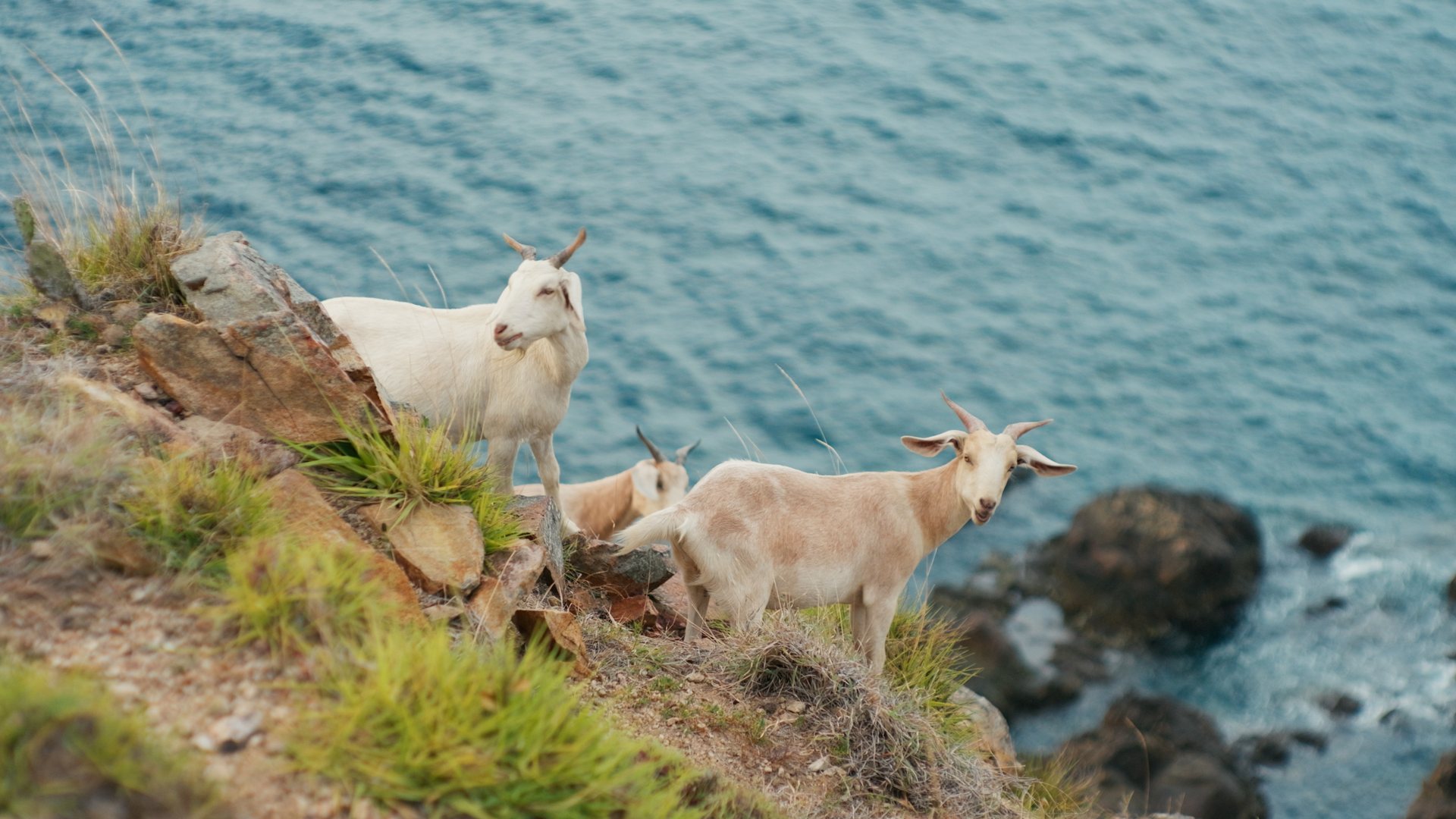
Before DENSITY. Move the slider to change the density of yellow.
DENSITY · LIVE
02 · ARCOIRIS DENSITY
Set density one color at a time.
Deepen only the reds, thin only the blues. Density is set per color. Because the amount you deepen and the amount you drain are separate sliders, you can chase “richer, but not muddier.” Skin and highlights each have a protection slider, so they hold while everything else moves.
Yellow0%
← DesaturateDeepen →
Before HUE. Move the slider to shift the hue of the sky.
HUE · LIVE
03 · ARCOIRIS HUE
Shift one color toward the next.
Push red toward orange, green toward yellow-green. Each of six colors shifts toward its neighbor. Lift the skin alone, pull the sky alone, tilt the greens. HUE is for fine-tuning the color you built in FILMS.
Cyan Hue0%
← GreenerMore violet →
PowerGrade

A finished workflow,
running on day one.

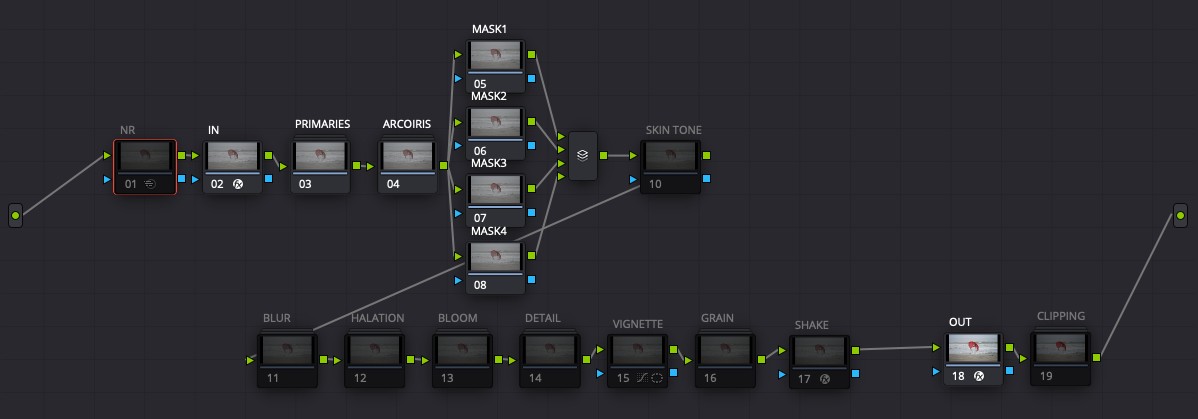
It is not only DCTLs. From noise reduction through texture to check nodes for QC, a 19-node PowerGrade is included, ready to use as it is.
The ARCOIRIS PowerGrade node tree
The actual node tree in DaVinci Resolve. This is exactly how it loads.
Comparison with each texture node toggled
Cropped from the actual output at 1:1, because scaling down averages the effect away.
Texture, only when you want it
BLUR, HALATION, BLOOM, DETAIL, VIGNETTE, GRAIN and SHAKE are all off by default. Nothing touches your footage until you ask for it.
Four masks for local work
Sky only, skin only — stack local adjustments through the layer mixer. There is no need to rebuild the node tree.
Check nodes for QC
SKIN TONE shows whether skin has drifted; CLIPPING shows blown highlights and crushed blacks. Both on the spot.
Pricing

A one-time purchase, not a subscription

Take only what you need. Start with one, and add the rest later.
ARCOIRIS FILMS
DCTL
$59.90
One-time purchase
  • FILMS DCTL (13 stocks)
  • DENSITY
  • HUE
  • 19-node PowerGrade
  • 4 masks + layer mixer
  • SKIN TONE / CLIPPING checks
  • Free future updates
Buy now
ARCOIRIS FILMS
DCTL PACK
$99.90
One-time purchase
  • FILMS DCTL (13 stocks)
  • DENSITY
  • HUE
  • 19-node PowerGrade
  • 4 masks + layer mixer
  • SKIN TONE / CLIPPING checks
  • Free future updates
Buy now
Recommended
ARCOIRIS FILMS
POWERGRADE & DCTL PACK
$149
One-time purchase
  • FILMS DCTL (13 stocks)
  • DENSITY
  • HUE
  • 19-node PowerGrade
  • 4 masks + layer mixer
  • SKIN TONE / CLIPPING checks
  • Free future updates
Buy now
Delivery
When your payment is complete, a download page opens. Please download the files from that page, and save its URL so you can download again later. Payment is handled by Stripe; your card details never reach us.

Yours for good.
No subscription.

Future updates are free.
No added cost.

Individual items from $59.90.
Try just one first.

FAQ
Which versions of DaVinci Resolve are supported?+

The DCTLs (FILMS, DENSITY, HUE) and the PowerGrade require DaVinci Resolve Studio 20 or later. DCTL is a Studio-only feature, so they do not run on the free version of DaVinci Resolve.

The LUT edition (.cube) works in any software that can load a LUT, including the free version of DaVinci Resolve. The same 13 stocks are available in Adobe Premiere Pro and Final Cut Pro.

Testing is done on macOS (Apple Silicon / Metal). We have reports of it working on Windows, but we have not verified Windows systematically. Windows is therefore outside our support guarantee — if it does not run for you, we will refund you.

AMD GPUs (OpenCL) are untested and therefore unsupported.

Do I need technical knowledge to use it?+

No. You just move sliders.

All 13 stock sliders are capped at 0–100%, so the image holds together even at full travel. Stocks you are not using simply stay at 0.

The PowerGrade ships with its node tree already built. Import it, apply it to a clip, and you can start working. The included manual covers everything from installation to how to think about blending.

Can I install it on more than one computer?+

There is no device limit. As long as you are the one using it, you can install it on as many machines as you like — home and studio, for example.

The license is granted to you personally. If the purchase is made under a company name, one license is still required per person actually operating the software.

See Article 2 of the Terms of Use for details.

Can I use it commercially?+

Yes. You may use it for professional work, client projects included. There is no per-project fee and no obligation to credit.

LUTs you create and export yourself using this product are yours to do with as you wish. Distributing, selling, or delivering them to clients are all unrestricted.

What you may not redistribute or sell are the bundled stock LUTs themselves, or files that are essentially straight copies of them. See Articles 3 and 4 of the Terms of Use.

Are updates free after purchase?+

Yes. When an updated version is released, you get it at no additional cost.

Because this is a one-time purchase, there is no recurring billing and no auto-renewal of any kind.

That said, updates are not themselves guaranteed, and we take on no obligation as to their timing, content, or frequency.

"Thirteen colors. One that is yours."

Not a film simulation,
but an attempt to make new color out of classic color

Buy now$149