 MOTION
Just pick from 341 samples.
Animated titles are made right in your browser.
Nothing to install. Just a browser on your computer.
MOTIONJust pick from 341 samples.
Animated titles are made right in your browser.
Nothing to install. Just a browser on your computer.
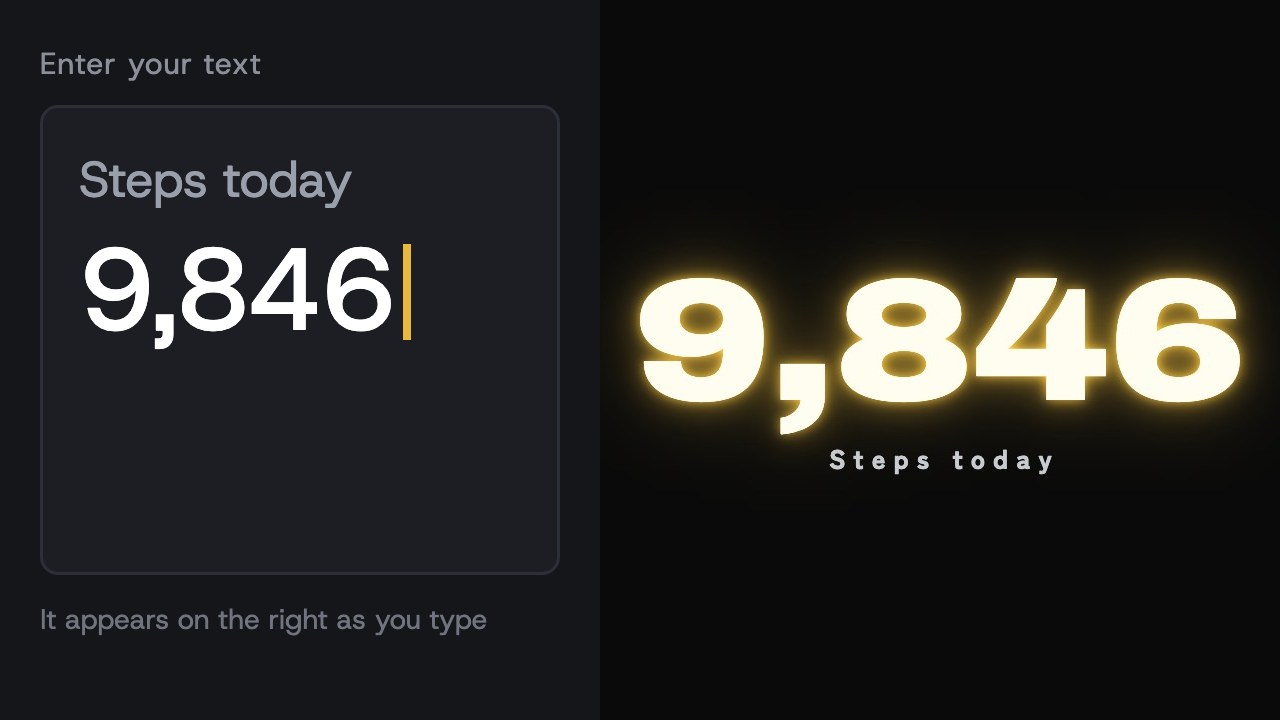
Just type the words you want to say. Line breaks split lines, and you can layer text.
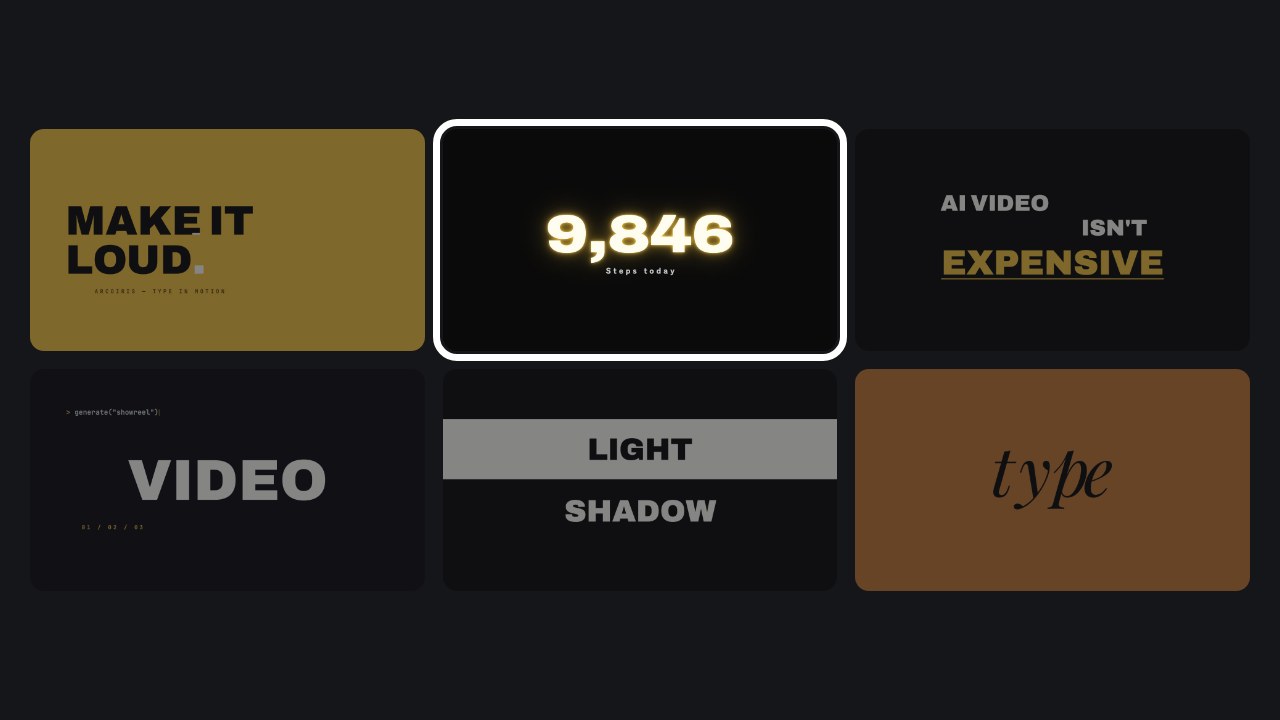
Pick from 341 samples. Color, font, length and background change with the move of a slider.
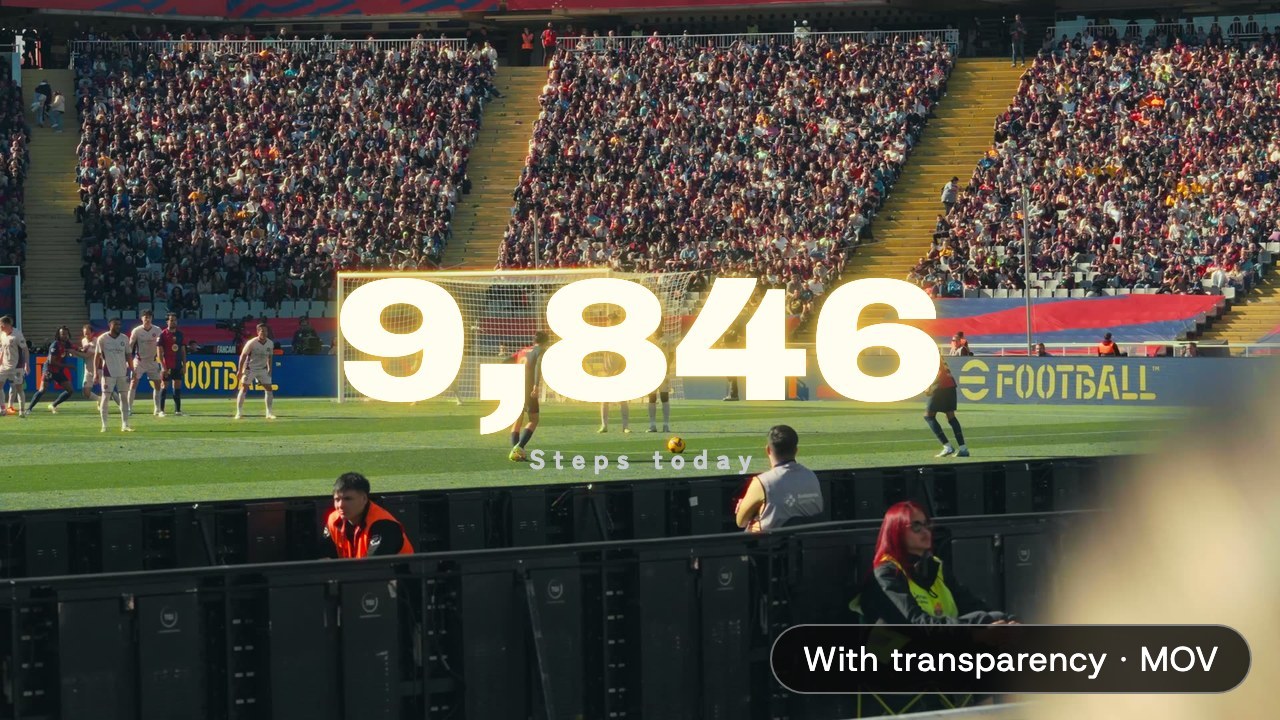
It becomes a video on the spot. With transparency, you can lay it straight over your footage.
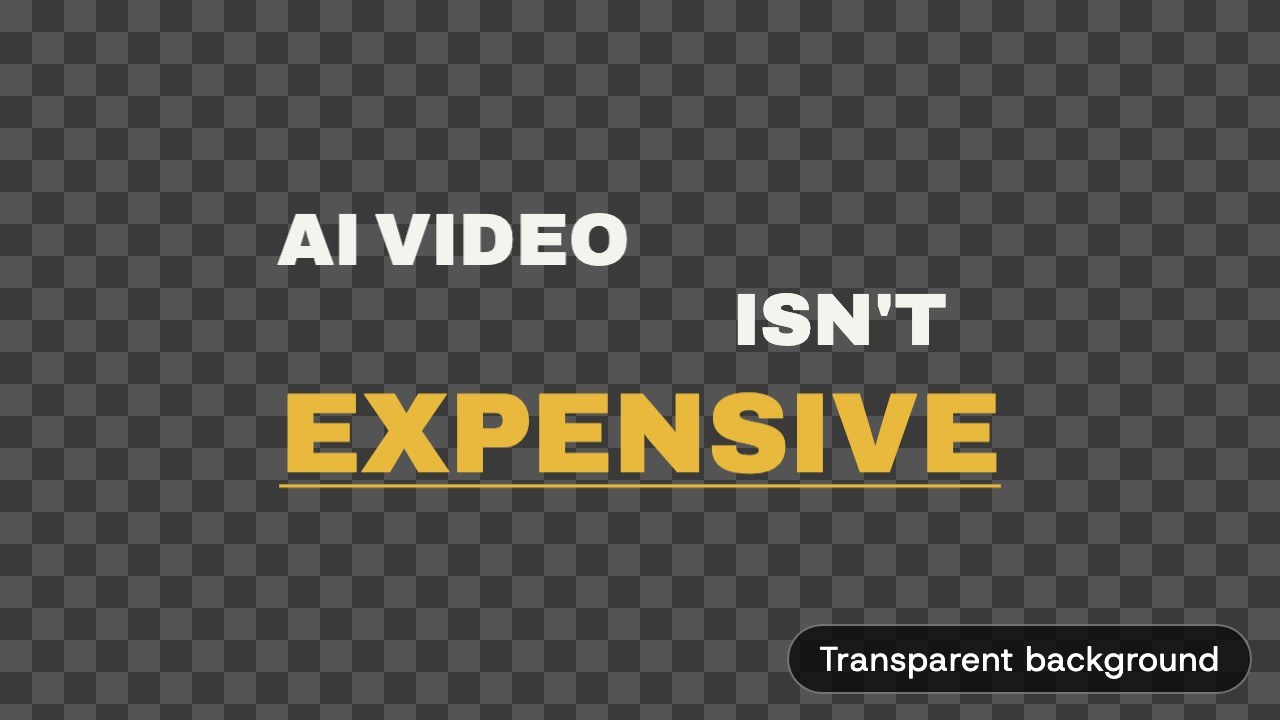 With transparency (ProRes 4444)
Export with the background kept transparent. In DaVinci Resolve, Premiere or Final Cut, just lay it over your footage.
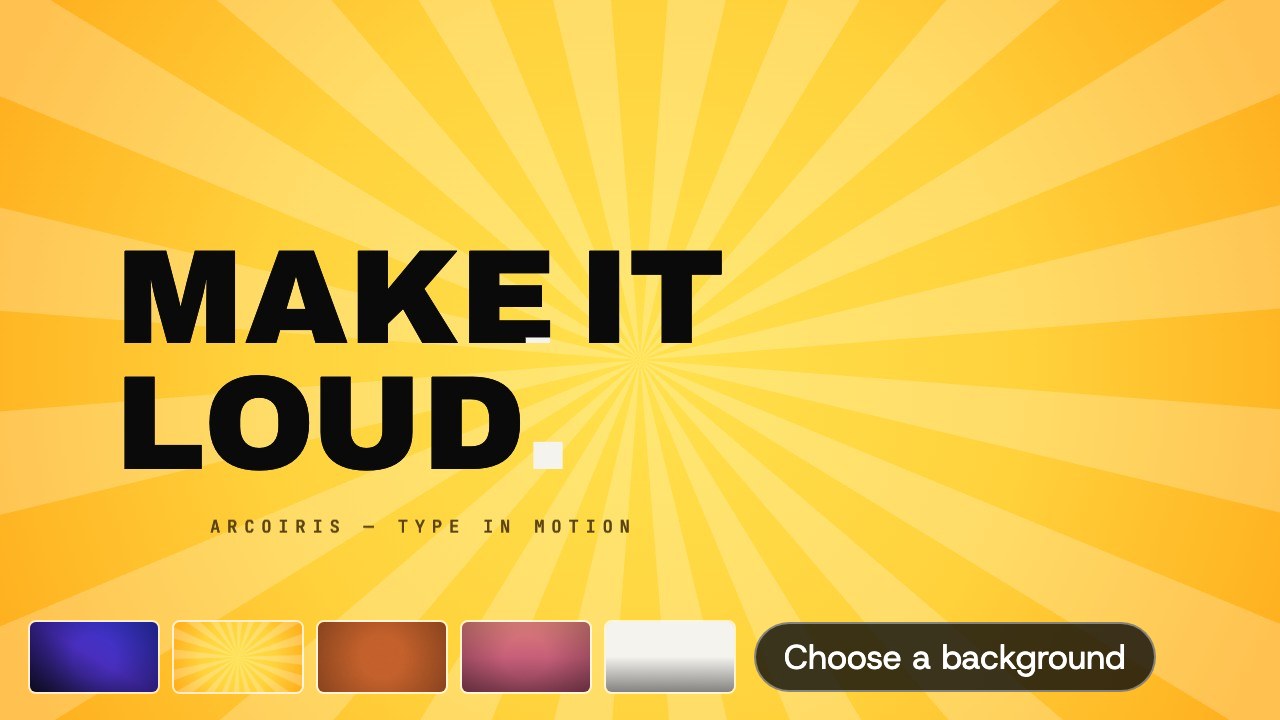 With background
Build the background in and get one finished video. Choose from 32 backgrounds.
From 720p to 4K (3840×2160). Length ranges from 0.5 seconds up to 5 minutes (depending on the plan).
Prices are in US dollars. Cancel anytime. Yearly billing saves about 35% over monthly.
Just a computer and a browser. There is nothing to install. We recommend Google Chrome.
Videos are exported as ProRes 4444 .mov files, so you can import them into DaVinci Resolve, Premiere Pro, Final Cut Pro and more. Export with transparency and you can lay them straight over your footage.
Yes. You are free to use the videos you make. The bundled fonts are under the SIL Open Font License, with no restrictions as long as you do not distribute the fonts themselves.
You can look around, but please export on a computer. Phone browsers limit how much data they can handle, and an export may stop partway.
256 fonts are included, from Japanese gothic, mincho and rounded gothic to English headline and script fonts. With MOTION STUDIO PRO you can also load and use the fonts installed on your computer.
What you are working on is saved automatically in that computer's browser, so you pick up where you left off next time (it does not carry over to another computer). Exported videos stay with you.